
We just brought the complete Humanitec product knowledge to the place where you need it the most: your favorite AI-capable developer tool. Receive product guidance and coding assistance on all Platform Orchestrator concepts directly in tools like Cursor, Claude Code, VS Code, Cline, or ChatGPT, using a standard MCP server connection. It literally takes a minute to get started. And yes, we support Orchestrator v1 and v2 users just the same.
What you get from the MCP server
Like any Model Context Protocol (MCP) server, our offering enhances the capabilities of your favorite AI tooling. It does so by tapping into the accumulated Orchestrator product knowledge that is available via the AI widget in the Humanitec developer docs you may already know - plus it's right where your code is, so you can do more interactive things like so:
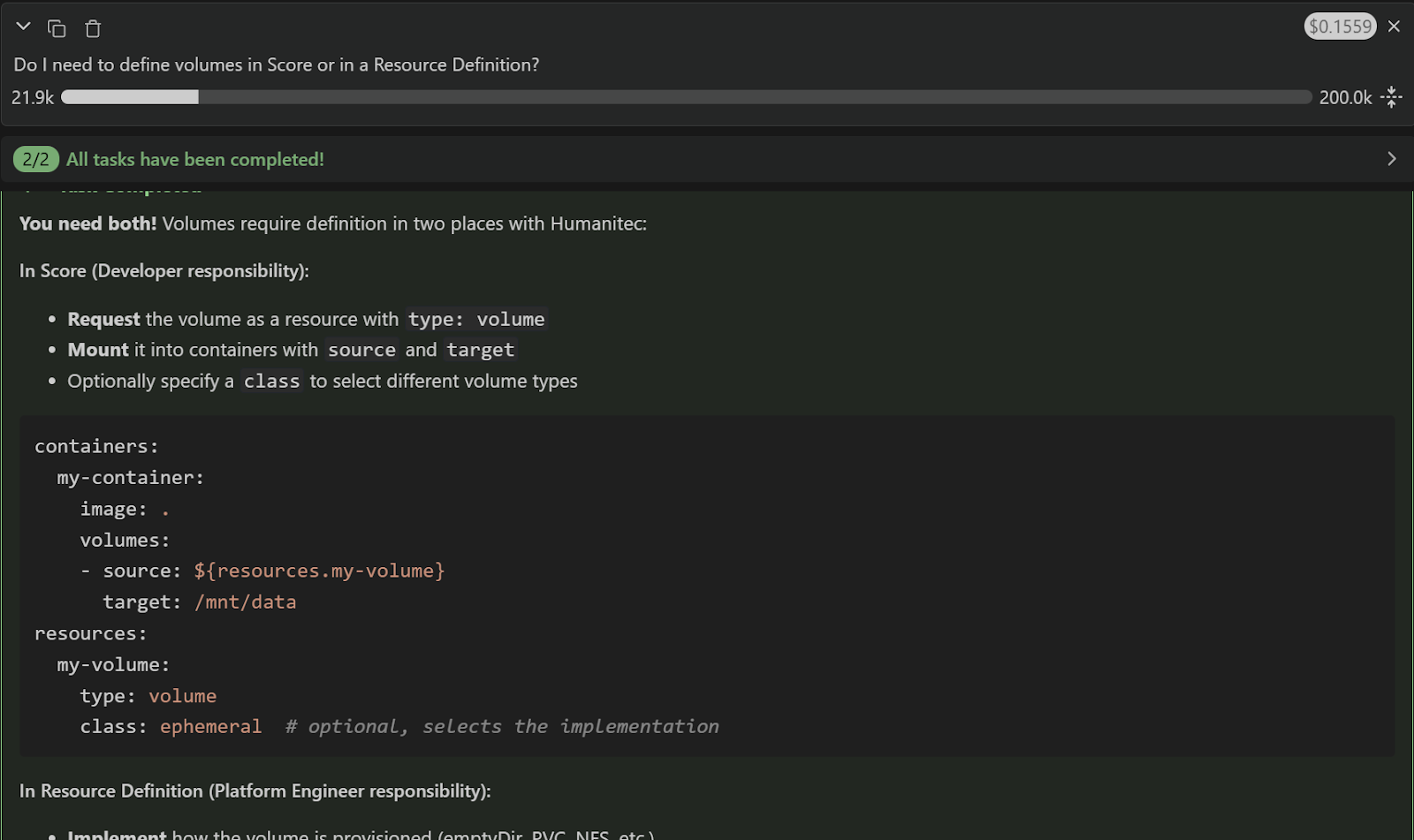
For the Orchestrator v1:
- YOU: Do I need to define volumes in Score or in a Resource Definition?
- AI: [...explains you need both...]
- YOU: Ok, add a volume to Score and create a skeleton for a volume Resource Definition
- AI: [...creates and modifies code...]
- YOU: 🎉
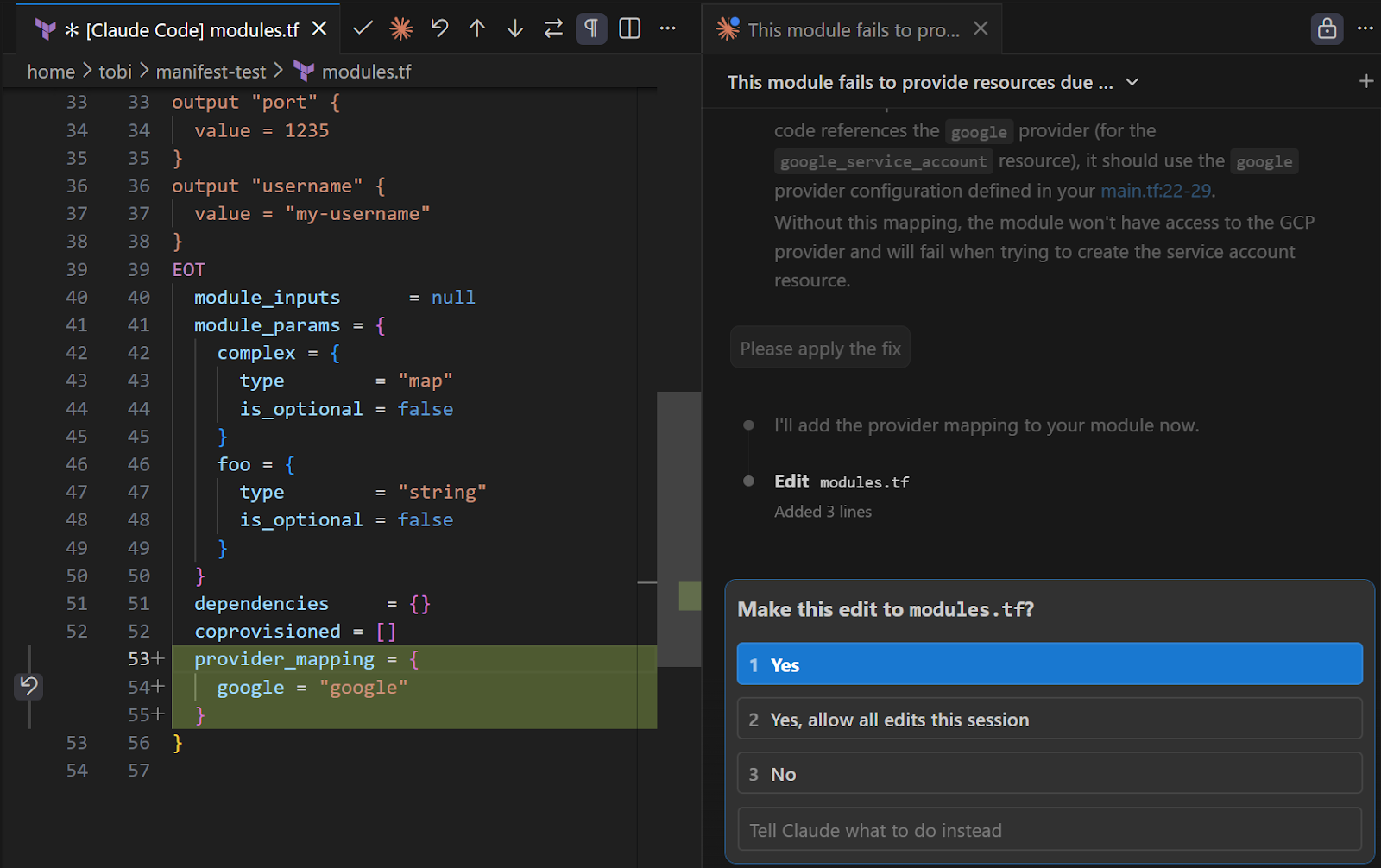
For the Orchestrator v2:
- YOU: This module fails to provide resources due to insufficient GCP permissions. Why?
- AI: [...explains you need a provider...]
- YOU: Ok, please fix it
- AI: [...creates and maps GCP provider...]
- YOU: 🎉
The developer docs are great to learn and explore, and they are not going away. In fact, the assistant available in the docs and the access via MCP use the same body of knowledge. Both are powered by kapa.ai.
How to connect the MCP server
For the Orchestrator v1:
- URL: https://humanitec-orchestrator-v1.mcp.kapa.ai
- Details and guides to connect popular tools are here
For the Orchestrator v2:
- URL: https://humanitec-orchestrator-v2.mcp.kapa.ai
- Details and guides to connect popular tools are here
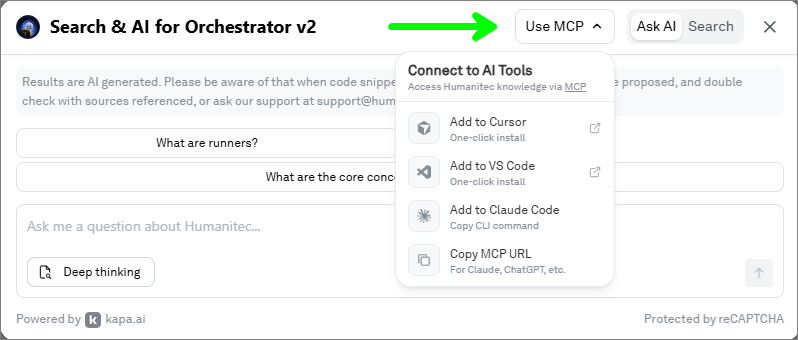
Convenience shortcuts to select tools are available in the developer docs AI widget:
Authentication
Using the MCP server requires authentication via a Google account on the first connection.
The authentication does not request the user's name, email address, or other personal data, from the account. An anonymous, stable user ID is still needed to enforce per-user rate limits and prevent abuse of the backing MCP server provided by kapa.ai. For more details, refer to the kapa.ai product documentation.
Get started!
Connect your favorite tool right away, and spread the news within your team! We hope you'll love it as much as we do 💙
Resources
